
Your assistant for local jobs
Need a hand? SkillNav it.
Say what you need in one sentence. Your assistant finds the right person nearby and agrees the price within your limit. Have a skill? It brings you the jobs that fit.
The ad: Need a hand? SkillNav it.
How it works
Help is around the corner
An assistant on both sides. You stay in charge of every decision.
I need a hand
- Describe the jobOne sentence is enough. The assistant writes the post.
- It finds the right peopleIt invites suitable neighbours and shows who is interested.
- It agrees the dealNever above your limit. You say the final yes.
I want to earn
- Say you’re open to workSet your rate, distance and hours.
- Get invitedJobs that fit you come to you, with the reason.
- Let it negotiateNever below your minimum. Then do the job and get rated.
Features
A look inside the app
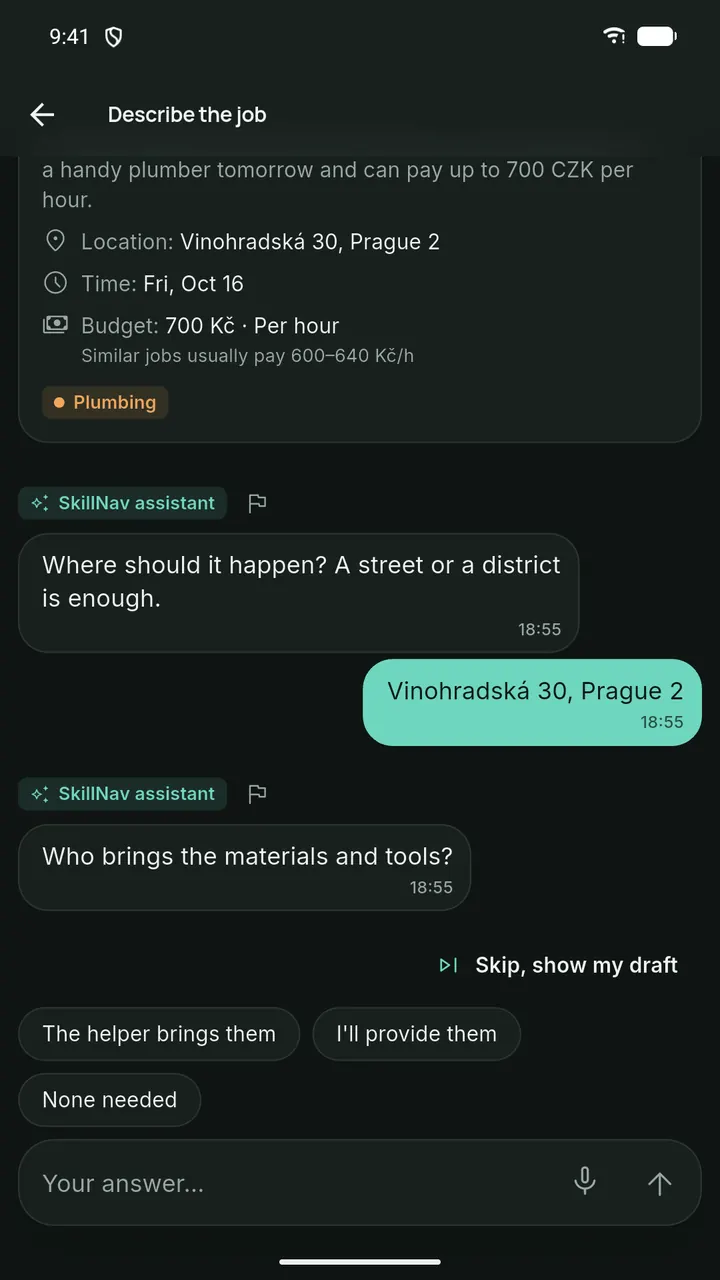
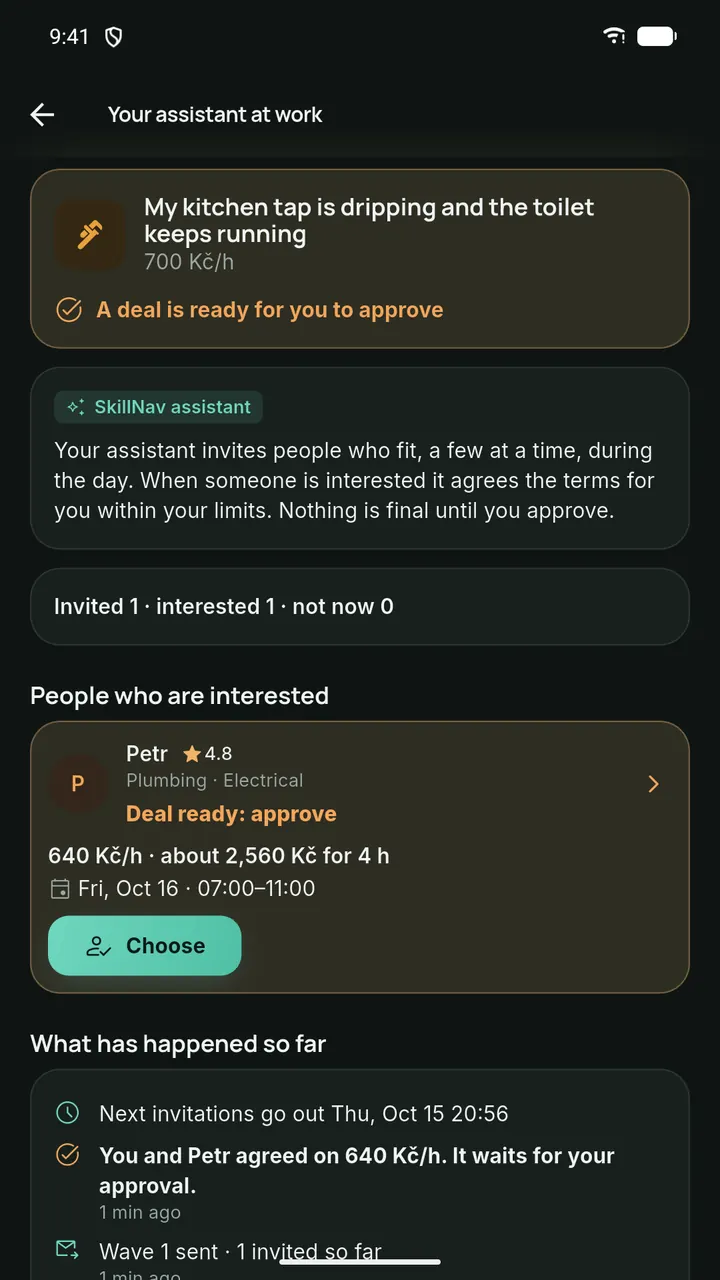
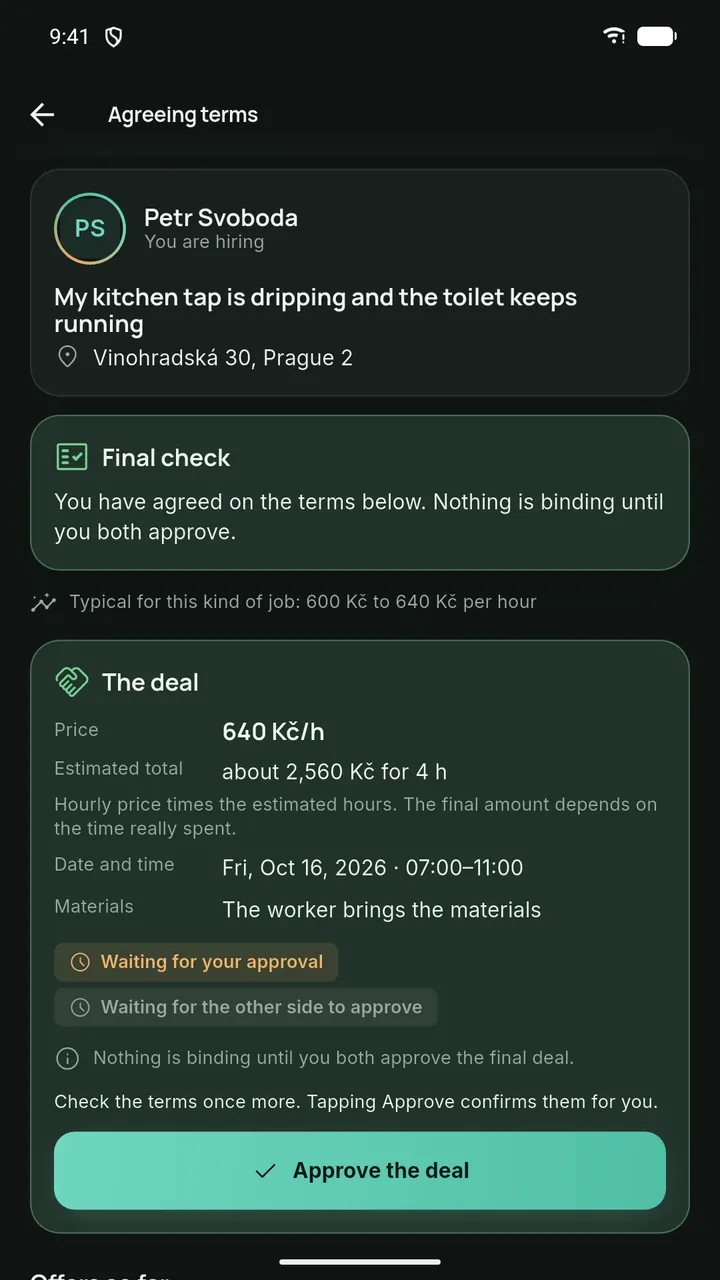
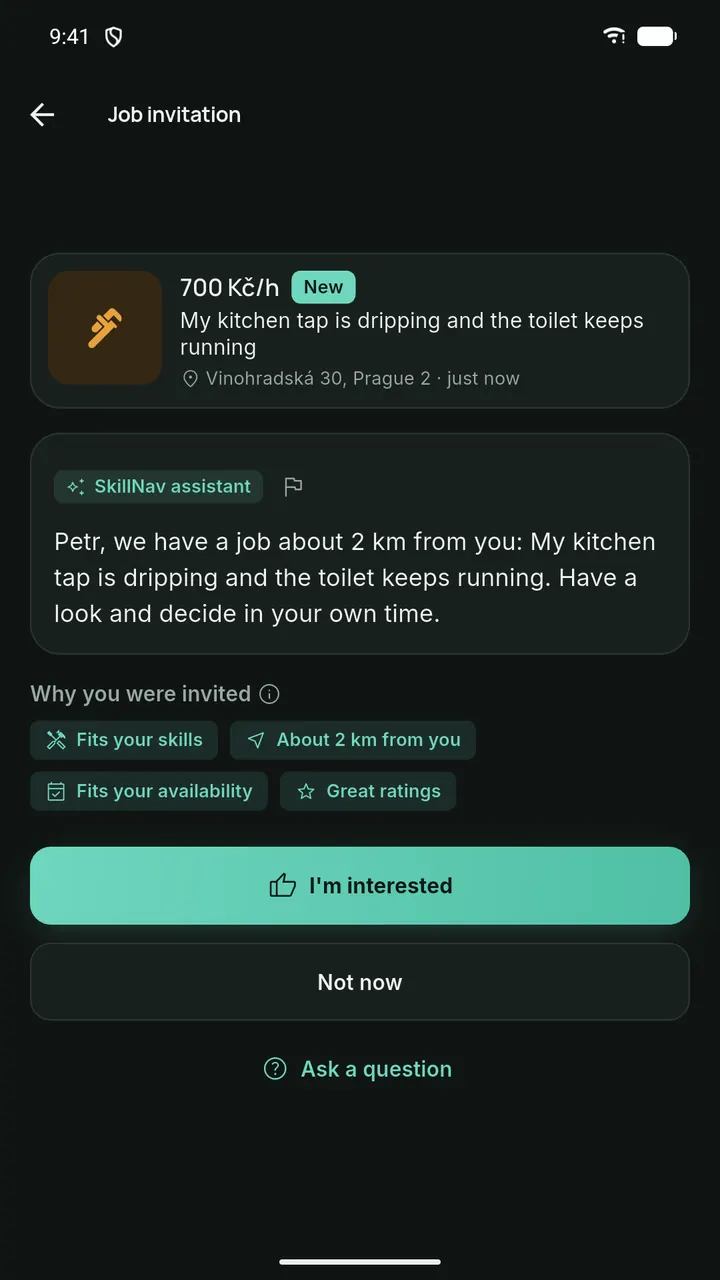
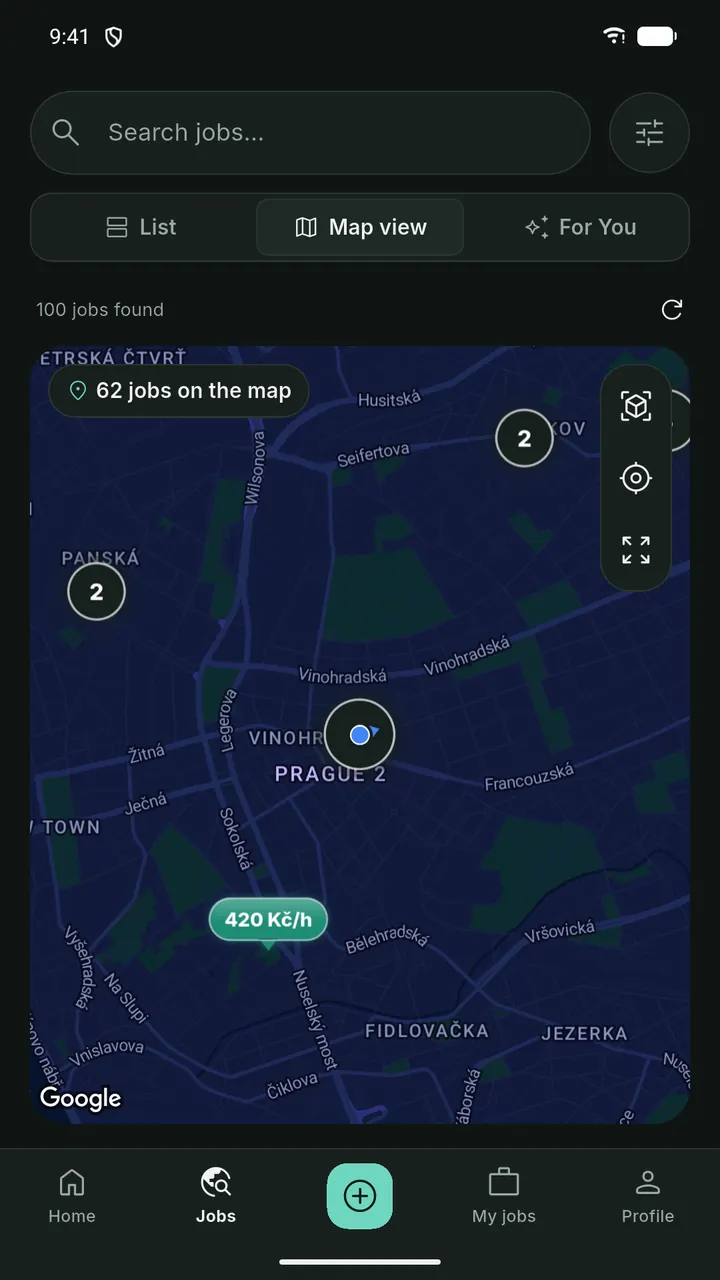
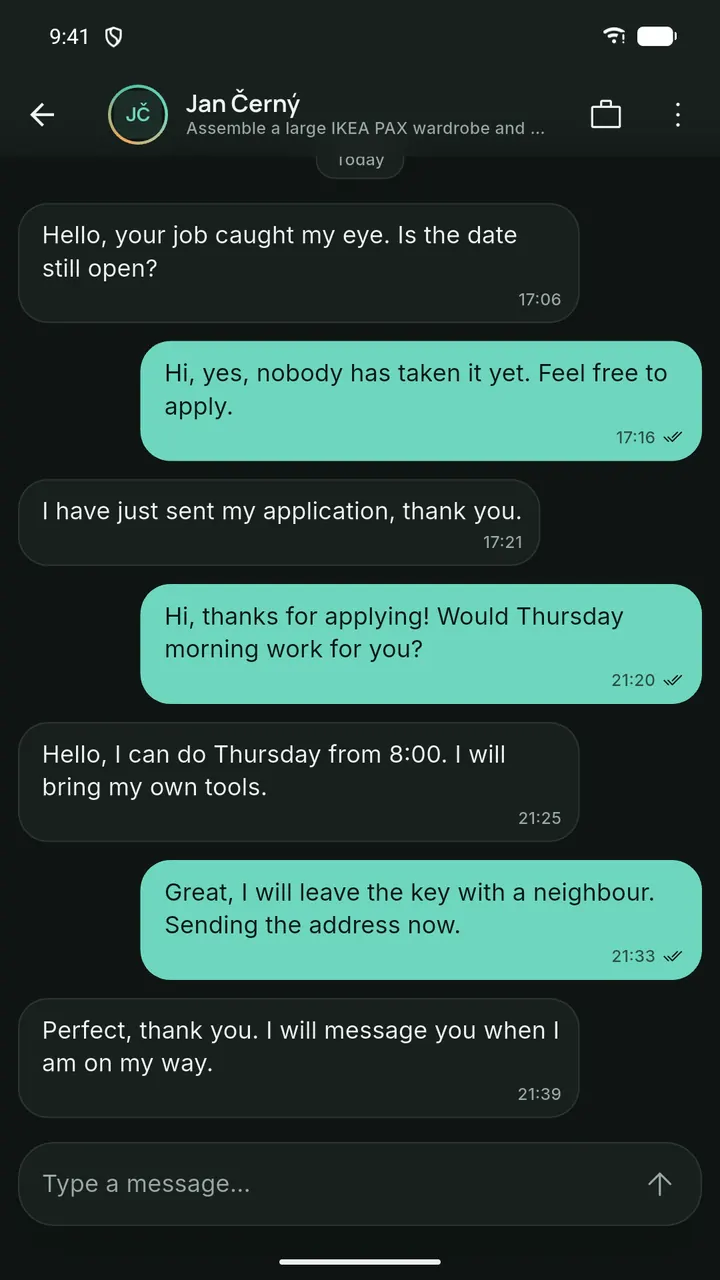
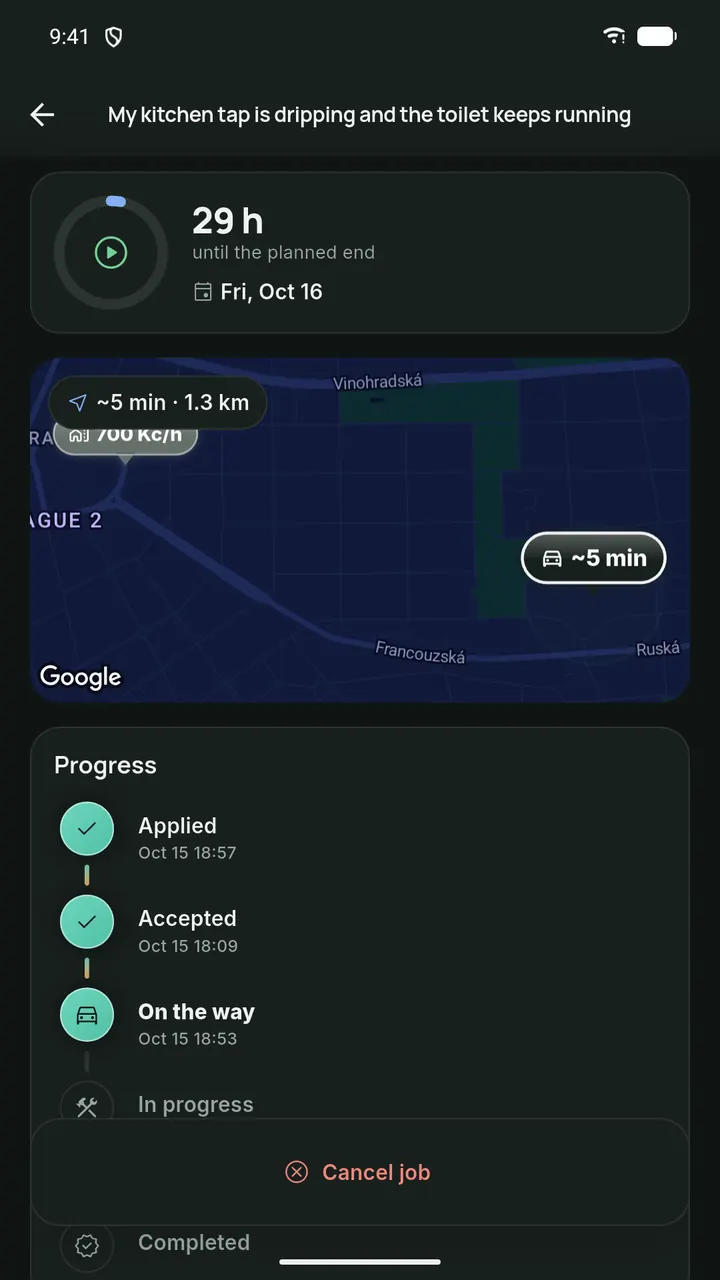
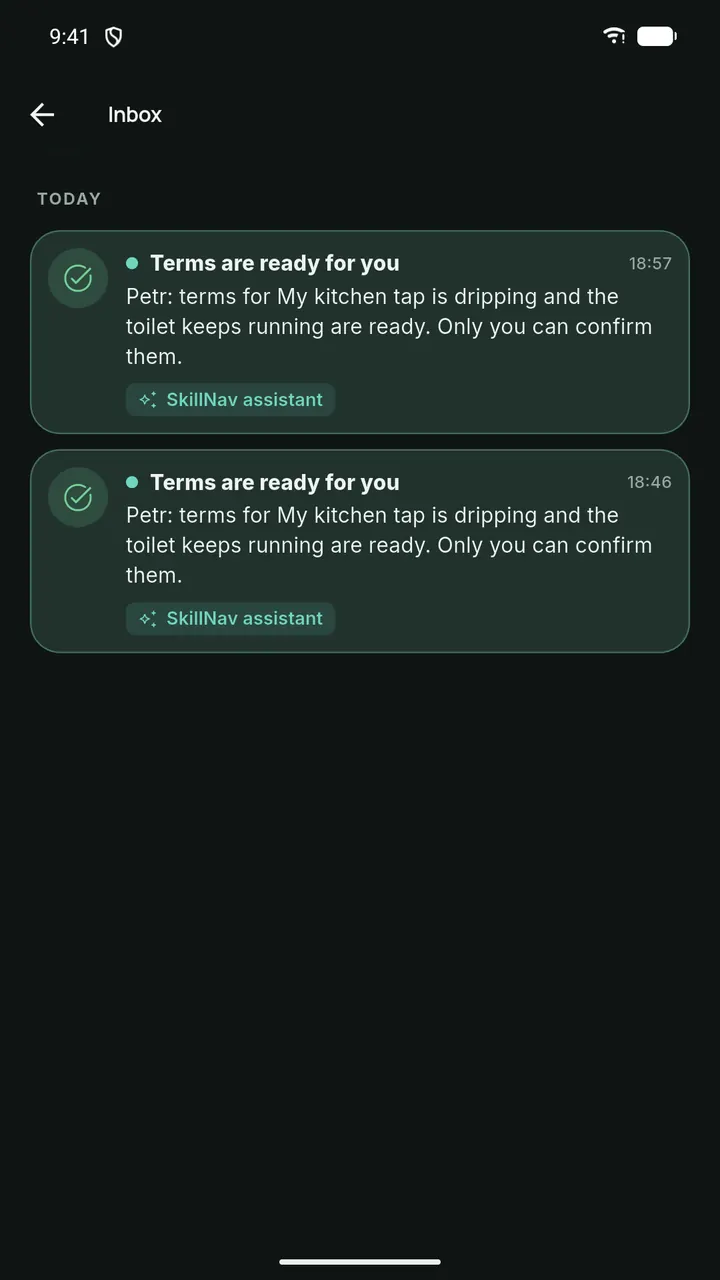
In 7 languages. Sign in with Google, phone or email.
Trust
Built on trust
Verified profiles, honest two-way ratings and a clear timeline for every job.
A fair chance for everyone
The assistant never looks at age, nationality, photos or disabilities. Newcomers get invitations too.
Verified profiles
A quick ID and selfie check.
Two-way ratings
Honest ratings from both sides after every job.
Job timeline
A clear timeline from posting to done.
Chat in the app
Talk it through right inside the app.
Live location, with limits
Only while someone is on the way to you, shared only with the person you work with and only until they arrive.
Report or block
Report or block anyone who behaves badly.
You decide which optional services are on. Delete your account and your data at any time in Settings.
Films
See how SkillNav works
Two longer films about why SkillNav exists and how it works.
The SkillNav storyEN
Pitch film, 2 min, English.
How SkillNav worksEN
A step-by-step tour of the app, 3.5 min, English.
Mission
Everyone has something to offer. SkillNav helps people find good work nearby, and helps neighbours get things done, from a dripping tap to a new website.